Eureka
Studio
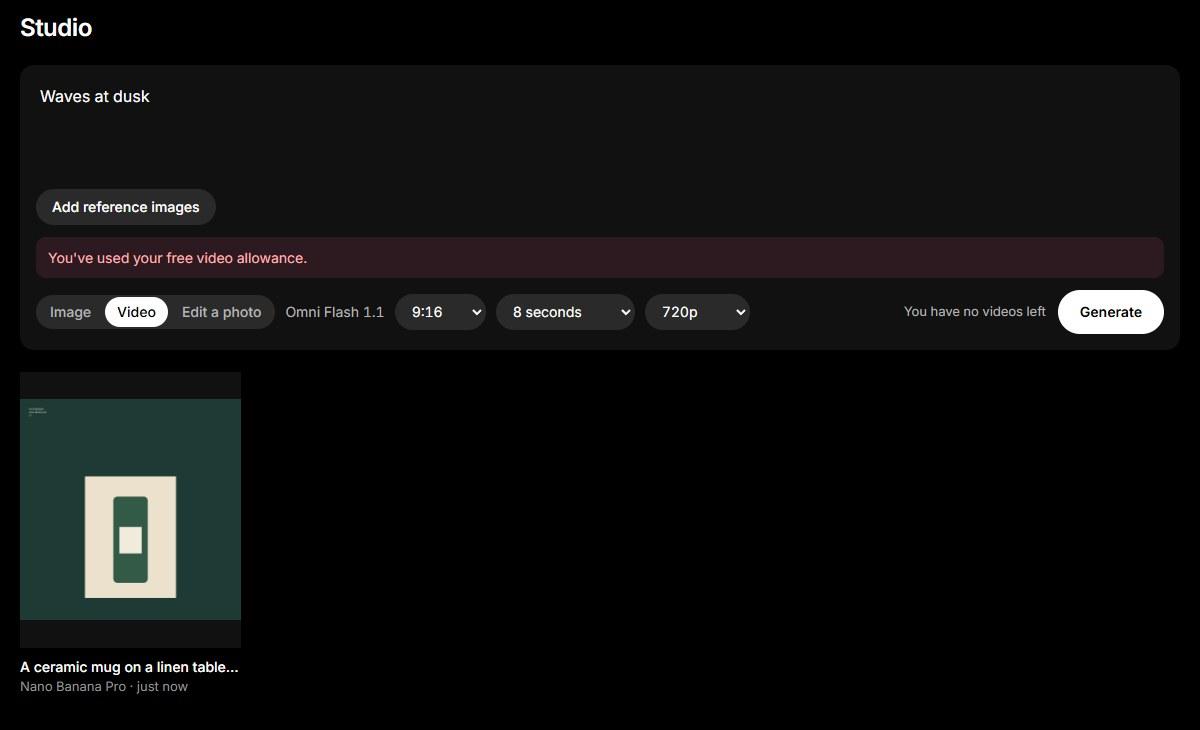
My AI ad studio. Pick a template built from an ad that already works, add a photo of your product and your brand, and get a finished ad back. Then turn it into a short video, or repaint any part of it.
How it works
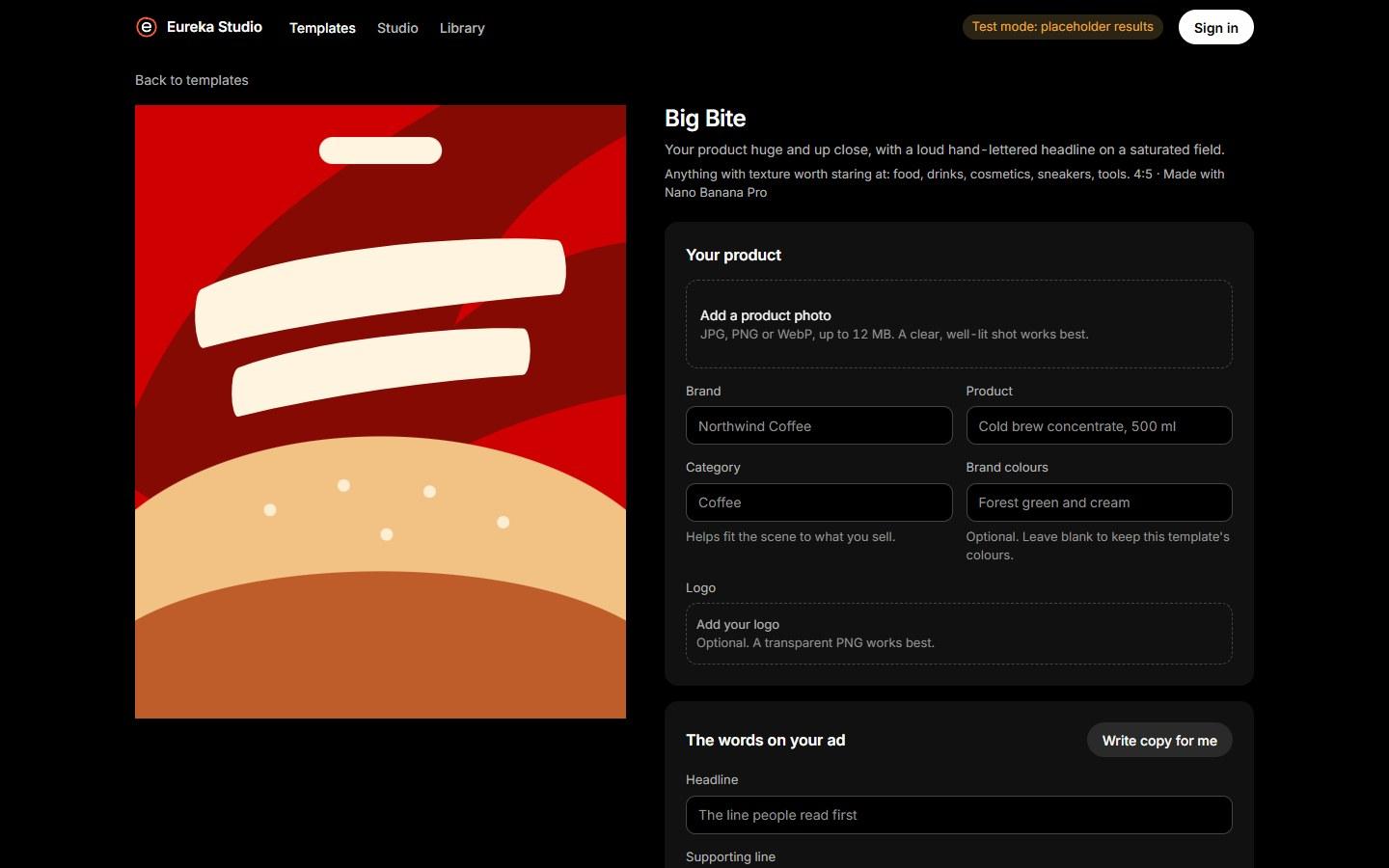
Pick a layout
Every template is built from an ad that already works in its industry, with the strongest model for it chosen by side-by-side testing.
Add your product
Upload a product photo, your brand and colours. The words can be yours, or written for you and edited before anything is made.
Get a finished ad
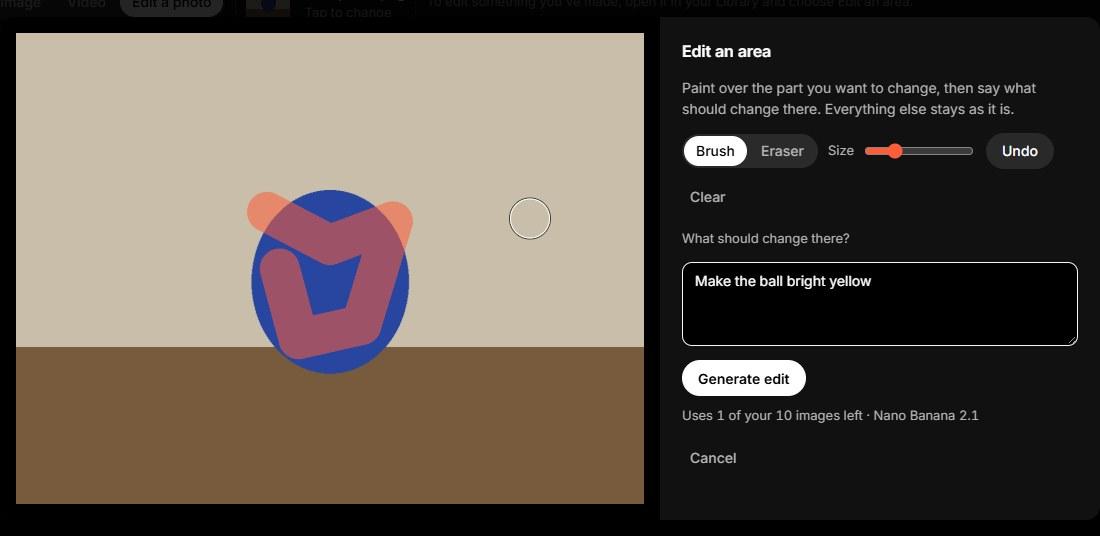
Download the image, animate it into a short video, or paint over any part and say what should change there.
Five industries to start
 Layout sketch
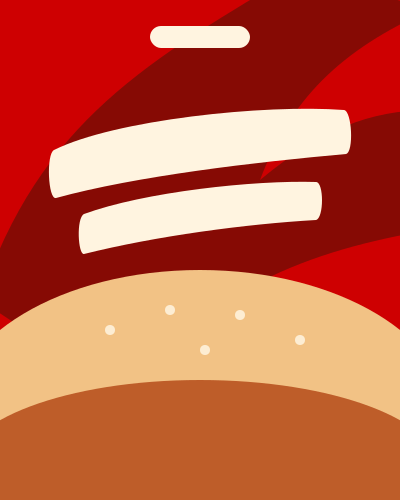
Big Bite
Your product huge and up close, with a loud hand-lettered headline on a saturated field.
 Layout sketch
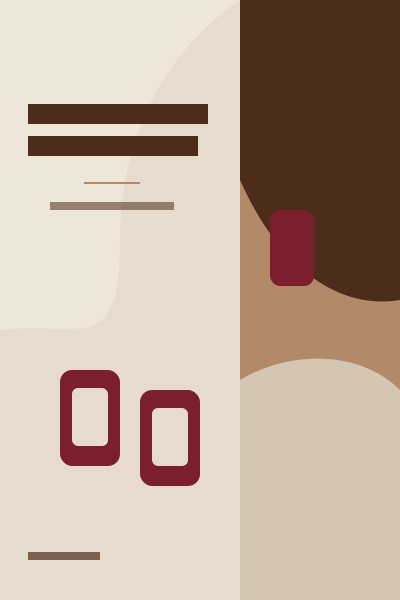
Quiet Editorial
A calm magazine spread: serif headline and still life on one side, the product in use on the other.
 Layout sketch
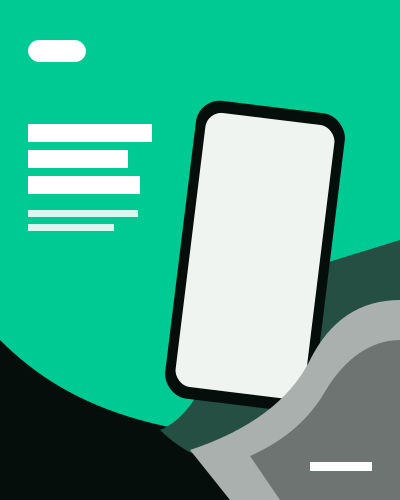
Hand-Held Spotlight
A black-and-white hand offers your product in full colour against one bold field of colour.
 Layout sketch
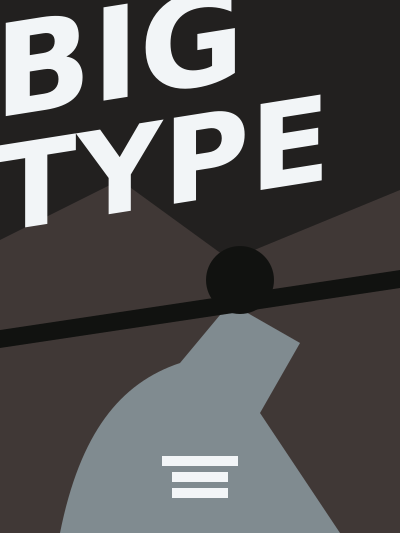
Giant Type
A few huge words crash over a gritty action photograph of your product being used hard.
 Layout sketch
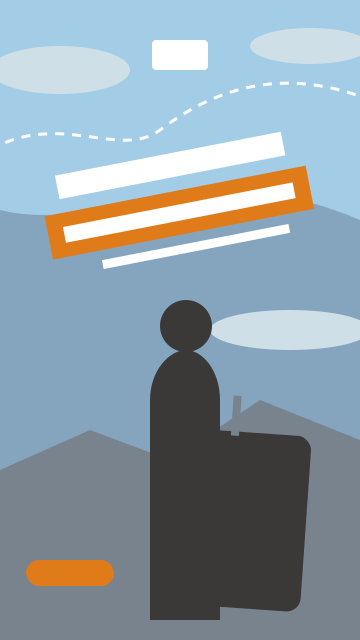
On the Move
A low-angle story frame: your product towers in front, a person behind it, a tilted headline in the sky.
What's inside
Template ads
Nano Banana Pro · Nano Banana 2.1Your product dropped into a proven layout, with your copy set in the design.
Animate
Omni Flash 1.1Turns a finished ad into a 4 to 10 second video, in story or landscape shape.
Edit an area
Nano Banana 2.1Paint over part of an image and describe the change. Everything outside the highlight stays as it was.
Free studio
All three modelsGenerate from your own prompt and reference images when no template fits.
Bring a product